
01
Five devices, five ways to fail
A screen or projector, a whiteboard, a room PC, a webcam and a speaker, each with its own remote and cable. Meetings start with someone working out which one is the problem.
ChooseInstallSupport
Present, write and call from one touchscreen. VisionCast supplies, installs and supports the board that suits your room and your platform.
6brands carried
500+rooms installed
4countries served
4-hrresponse
One screen. Everyone on the same page.
The Problem
Most rooms were built from separate pieces: a screen, a whiteboard, a PC and a webcam. Each works on its own; together they get in the way of the meeting.
01
A screen or projector, a whiteboard, a room PC, a webcam and a speaker, each with its own remote and cable. Meetings start with someone working out which one is the problem.
02
The thinking from the meeting ends up on a whiteboard someone photographs at an angle, or wipes for the next booking. Nothing is saved, sent or searchable.
03
On a plain screen, people on the call see the slide but not the discussion. They cannot see what is drawn on the wall, let alone add to it.
04
Content lives on one laptop, so one person drives and everyone else becomes an audience. The meeting turns into a slideshow instead of a working session.
What "All-in-One" Actually Means
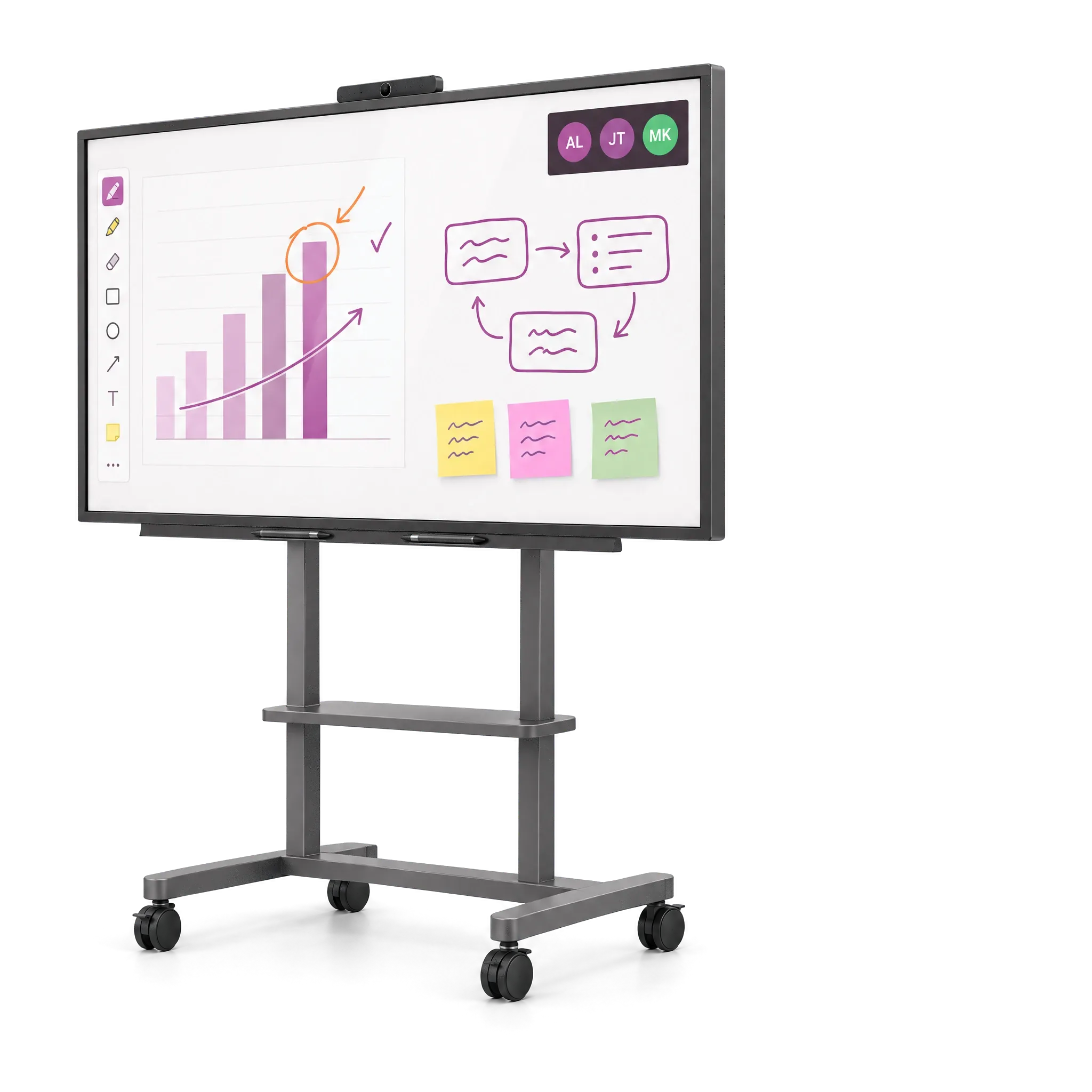
An interactive board is not a bigger TV. It brings the display, the whiteboard, the computer and the conferencing kit into one touchscreen, so the room has one thing to switch on and one thing to learn.
Depending on the room, one board can replace a separate TV or projector, a whiteboard and some of the conferencing equipment. Which parts it replaces is settled at the survey.
The Bench
A single-brand reseller has one answer for every room. These six run from Teams- and Zoom-certified all-in-ones to straightforward 4K panels, so the board suits the room and the platform you already use. VisionCast is an authorised Yealink and MAXHUB reseller.

Teams, Zoom & Google boards
Authorised reseller
MeetingBoard Pro puts video conferencing, display and whiteboard in one board, certified for Teams Rooms and Zoom Rooms, in 65", 75" and 86". MeetingBoard C EDLA has Google Play built in, for bring-your-own-meeting rooms.

Teams Rooms on Windows
Authorised reseller
Xboard is a Windows-based all-in-one certified for Microsoft Teams Rooms, built for boardrooms and hybrid spaces. The U3 series combines projector, whiteboard and computer for training rooms.

65" to 98" in 4K
Interactive flat panels in 65", 75", 86" and 98": 4K, 20-point touch and Android 13, with a whiteboard and wireless screen sharing built in, for boardrooms and training rooms.

Mobile boards & Android displays
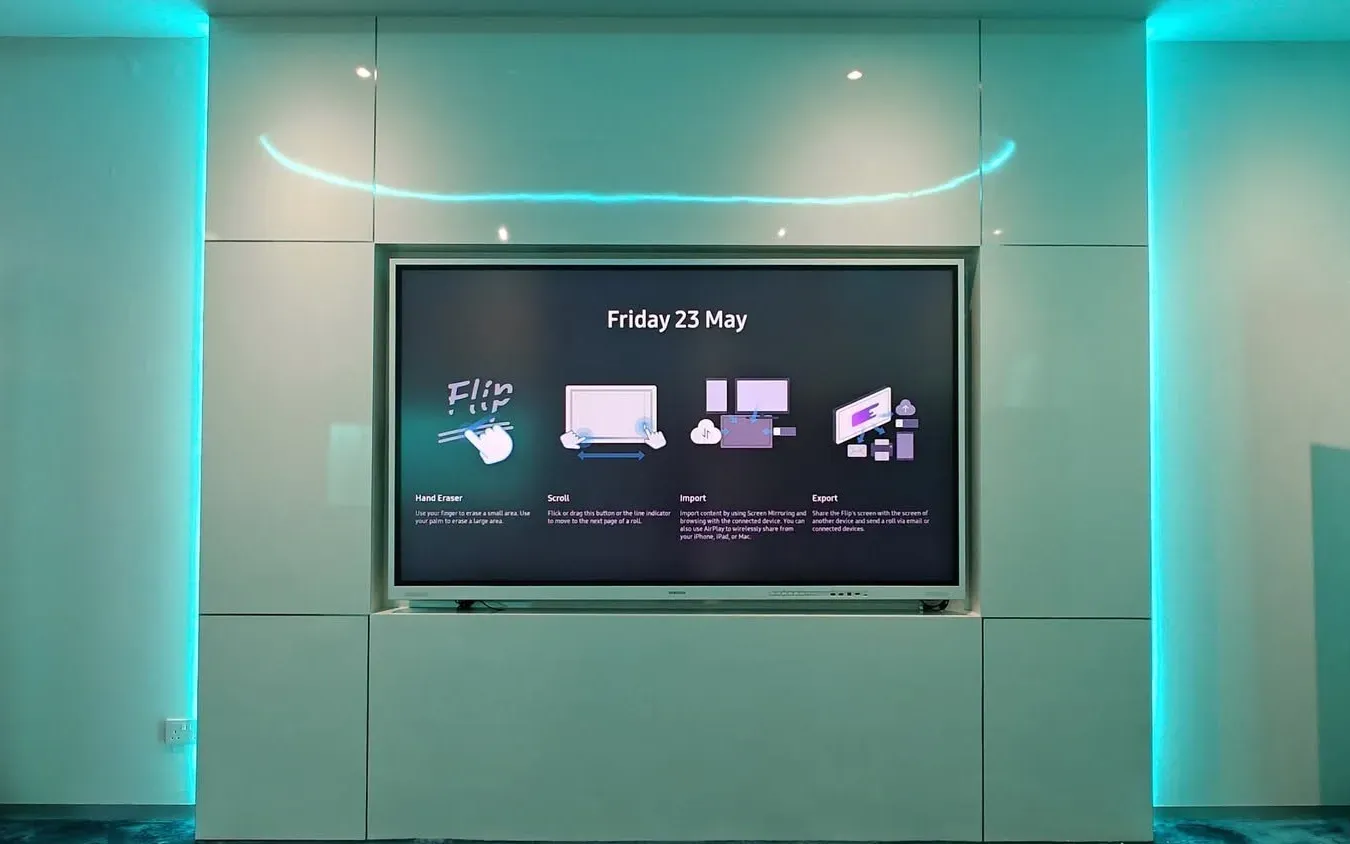
Samsung Flip is a UHD board with InGlass touch on a four-wheel stand, so it moves from room to room. The WAF range are Android interactive displays; WAFX-P adds a camera, microphones and speakers.

Google apps built in
GoBoard, in 65", 75" and 86", with Google apps built in and an integrated 4K camera that has a physical privacy cover and a working light.

Camera & microphones built in
Smart Interactive Display in 65", 75" and 86": 4K multi-touch on Android with room for more apps, plus a 48MP camera, eight microphones and a 120° view, ready for Teams, Zoom and Google Meet.
Standardised on a board we do not carry? Tell us what it is. We will tell you plainly whether it suits the room, and which of our six does the same job.
How We Choose
A board that is the wrong size, on the wrong platform or in the wrong place ends up as an expensive TV. We settle these five things, in this order, before anyone quotes you hardware.
Seats, viewing distance and the wall it goes on. The size follows from how far away the back row sits: a small room suits a 65" board, a boardroom or training room wants 86" or 98".
Teams, Zoom or Google. Boards are certified as Teams Rooms or Zoom Rooms, or carry Google apps; buy first, and a room can end up with a board that cannot join its own calls.
Android starts fast and runs its apps on the board; Windows runs the same software as the desk. Or bring your own meeting: one cable, and the laptop uses the board’s camera and mics.
Wall-mounted for a room that keeps its board; a rolling stand for training rooms and shared spaces, so one board serves several rooms. Mounting and cabling are settled at survey, not on install day.
Firmware and app updates, back-to-back support from the manufacturer and a contracted response time. A board nobody updates drifts out of certification; someone has to own that.
Use Cases
What people do at the board decides how it is specified: the size, the platform, whether it hangs on a wall or rolls between rooms. Sizes shown are typical starting points; the survey sets the final one.
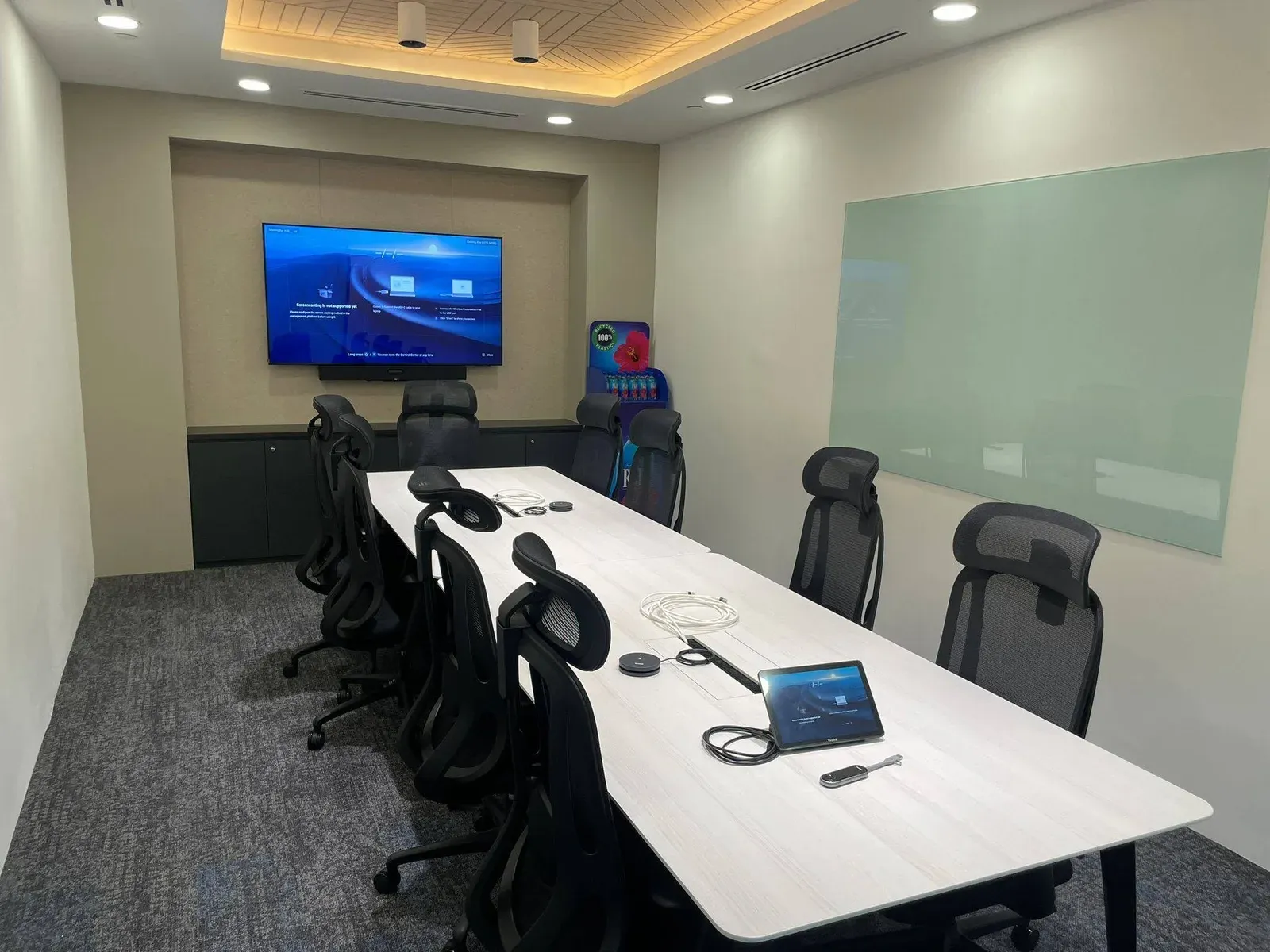
Present slides, annotate them and discuss, with no laptop on a cable. The meeting becomes a conversation rather than one person presenting.
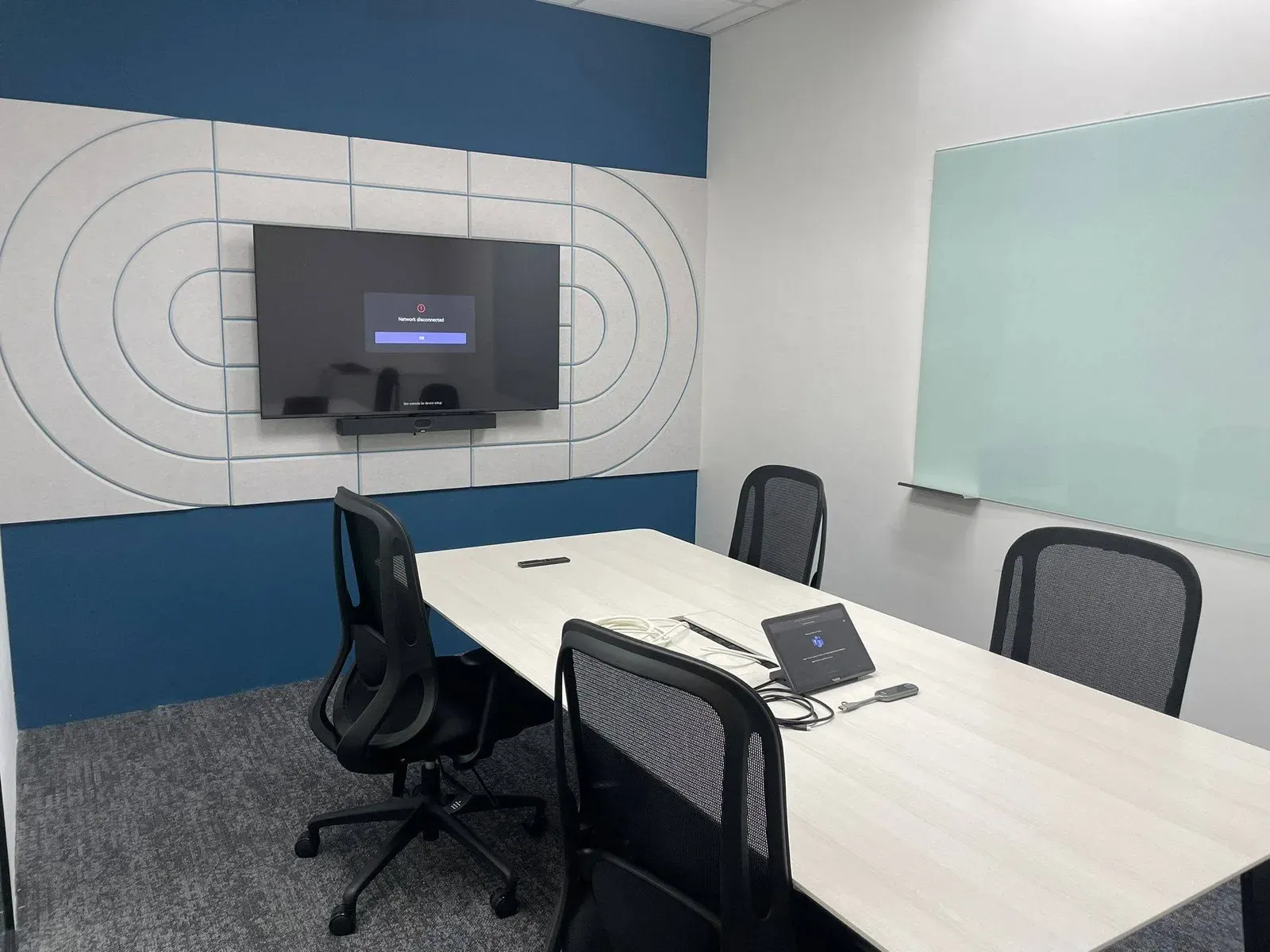
Write ideas straight onto the screen, move them around, and send the board to everyone afterwards. Nothing gets wiped for the next booking.
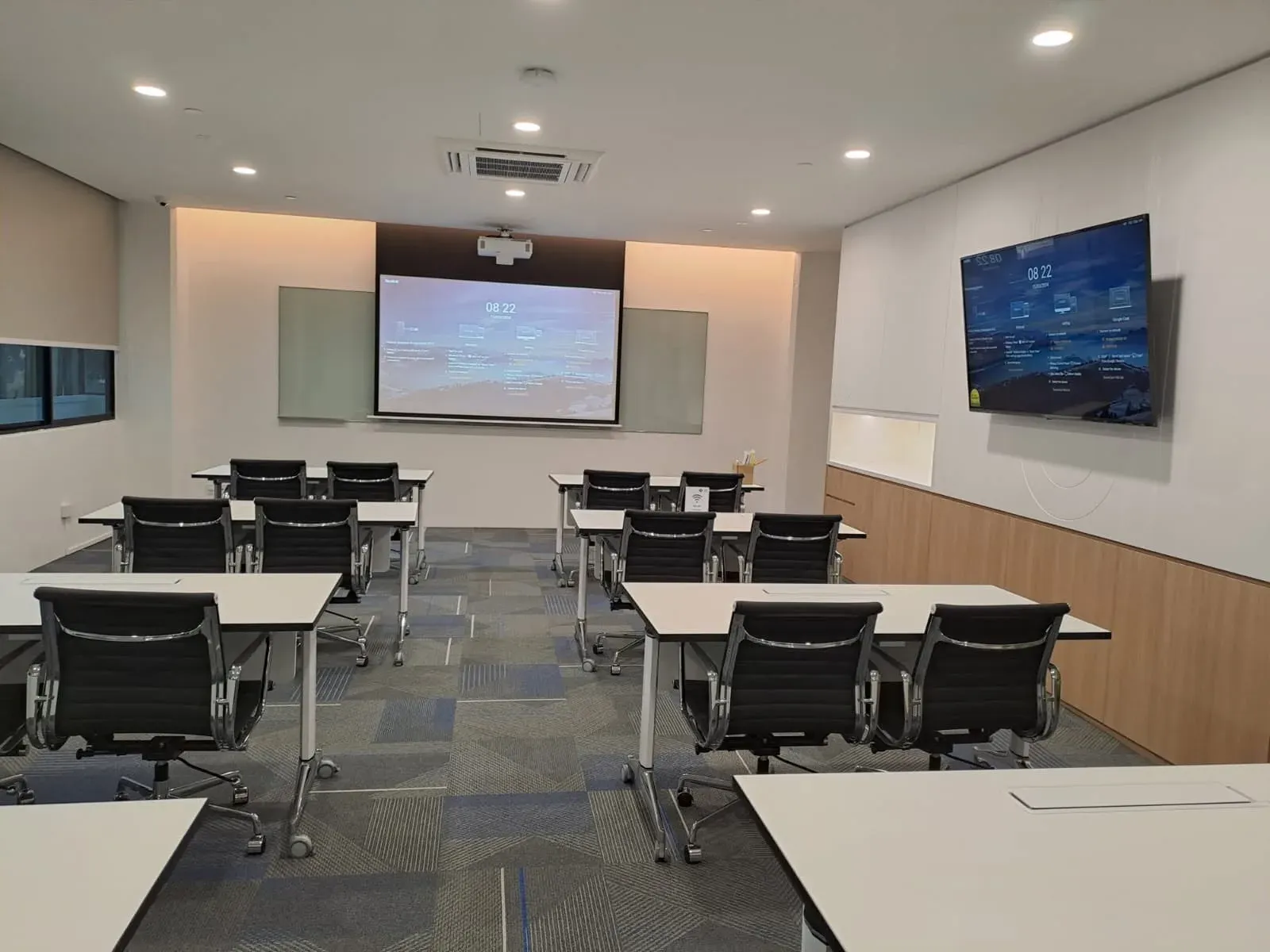
The trainer presents, writes and demonstrates on one screen, and participants come up and work on the material. Diagrams and video get annotated, not just shown.
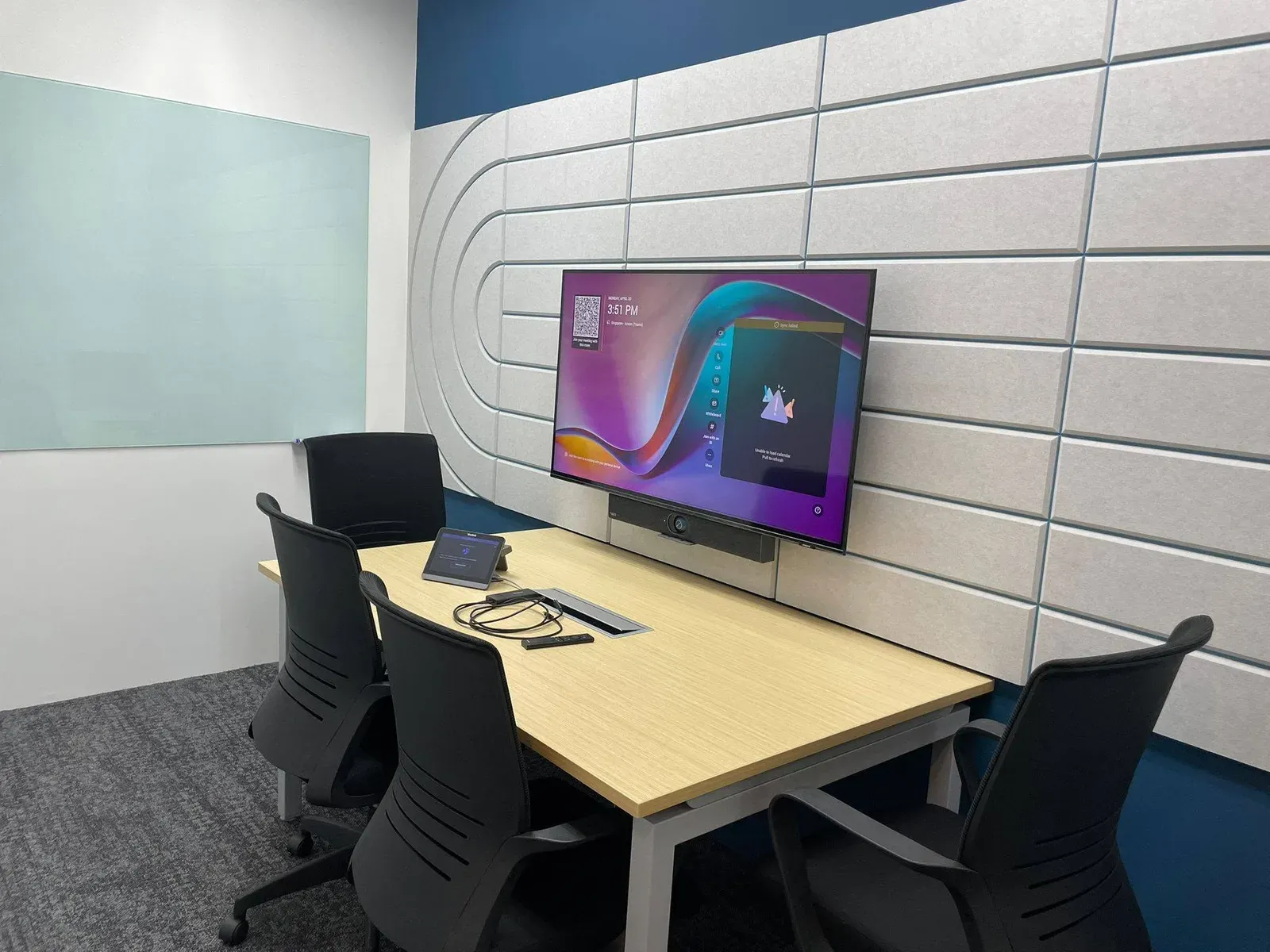
Drawings, plans, spreadsheets and dashboards on one screen, marked up together. Engineering, construction, architecture and IT teams work from the same information.
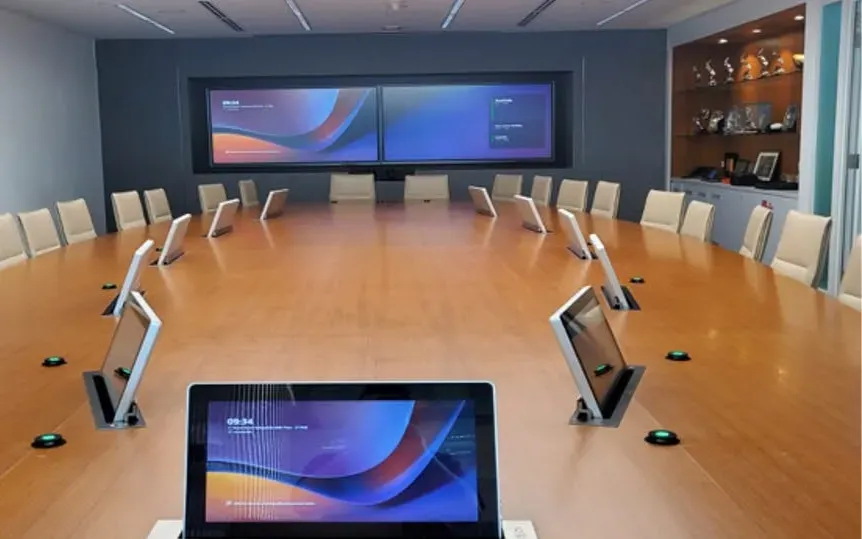
Reports and presentations on a screen everyone can see and mark up, with remote directors looking at the same page. A premium room that stays simple to run.
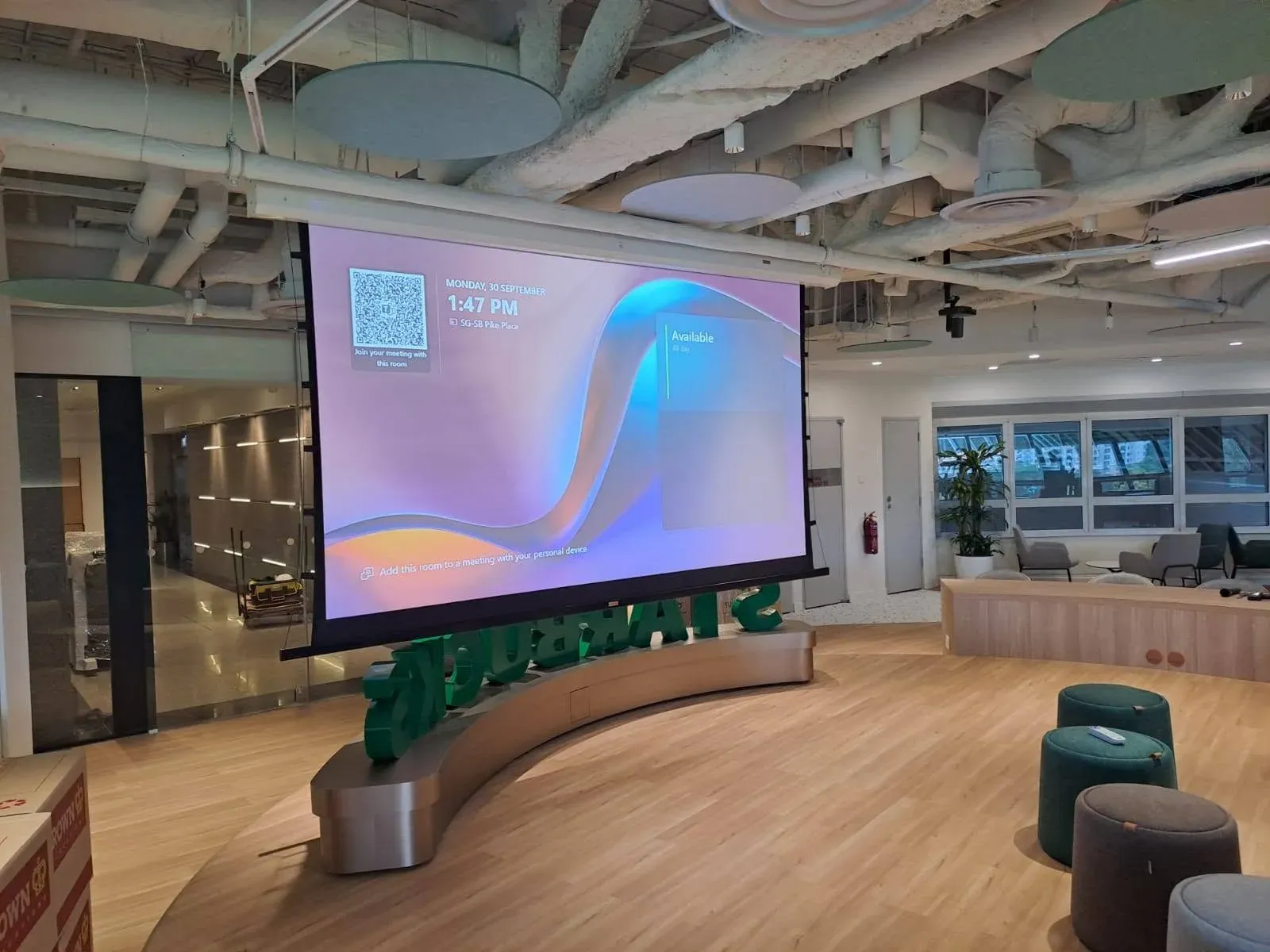
Project and KPI dashboards on the big screen, annotated live while the team decides. Faster group decisions, made from one shared picture.
Platforms
Video conferencing is what most boards end up doing all day, and each platform has its own certified device list. Buying first and deciding second is the most expensive order to do this in.
Already committed to one? Good. That narrows the shortlist usefully rather than limiting it.
Boards that run Teams Rooms natively, on Android or Windows, such as Yealink MeetingBoard Pro and MAXHUB Xboard, joined to your tenant and managed from the Teams admin centre.
You already run Microsoft 365
Zoom Rooms certified boards, such as Yealink MeetingBoard Pro, with meetings joined from the board itself.
Video-first, many external attendees
Google-certified boards, such as Yealink MeetingBoard C EDLA and Hisense GoBoard, with Google Play and Google apps built in.
Google Workspace organisations
Any platform, run from a laptop: it connects with one cable and uses the board’s camera, microphones and speakers.
Mixed platforms, many guests
Selected Work
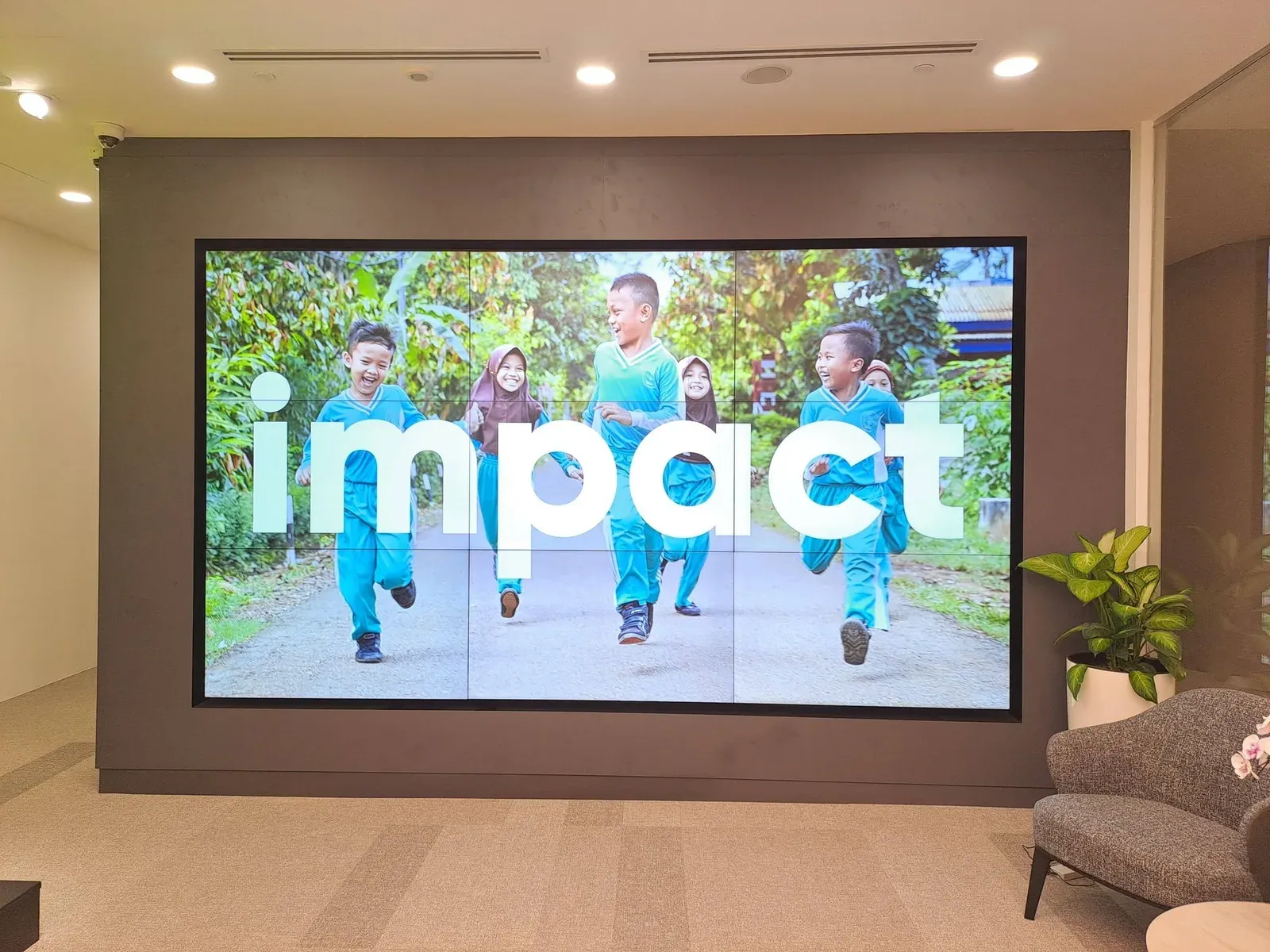
Recent new-office fit-outs in Singapore, from the townhall down to the pantry screen. Clients are described rather than named.
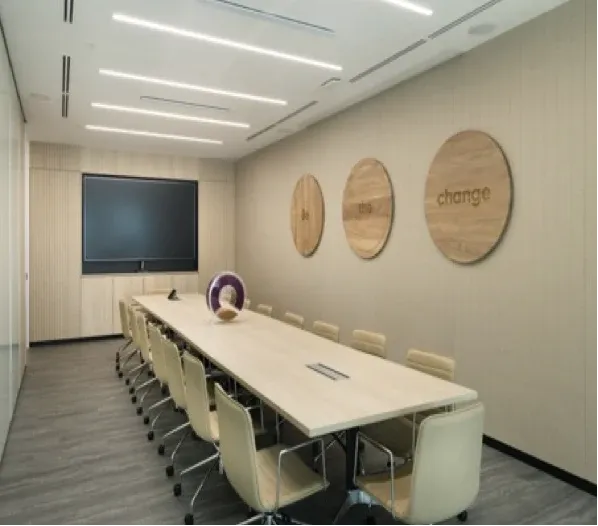
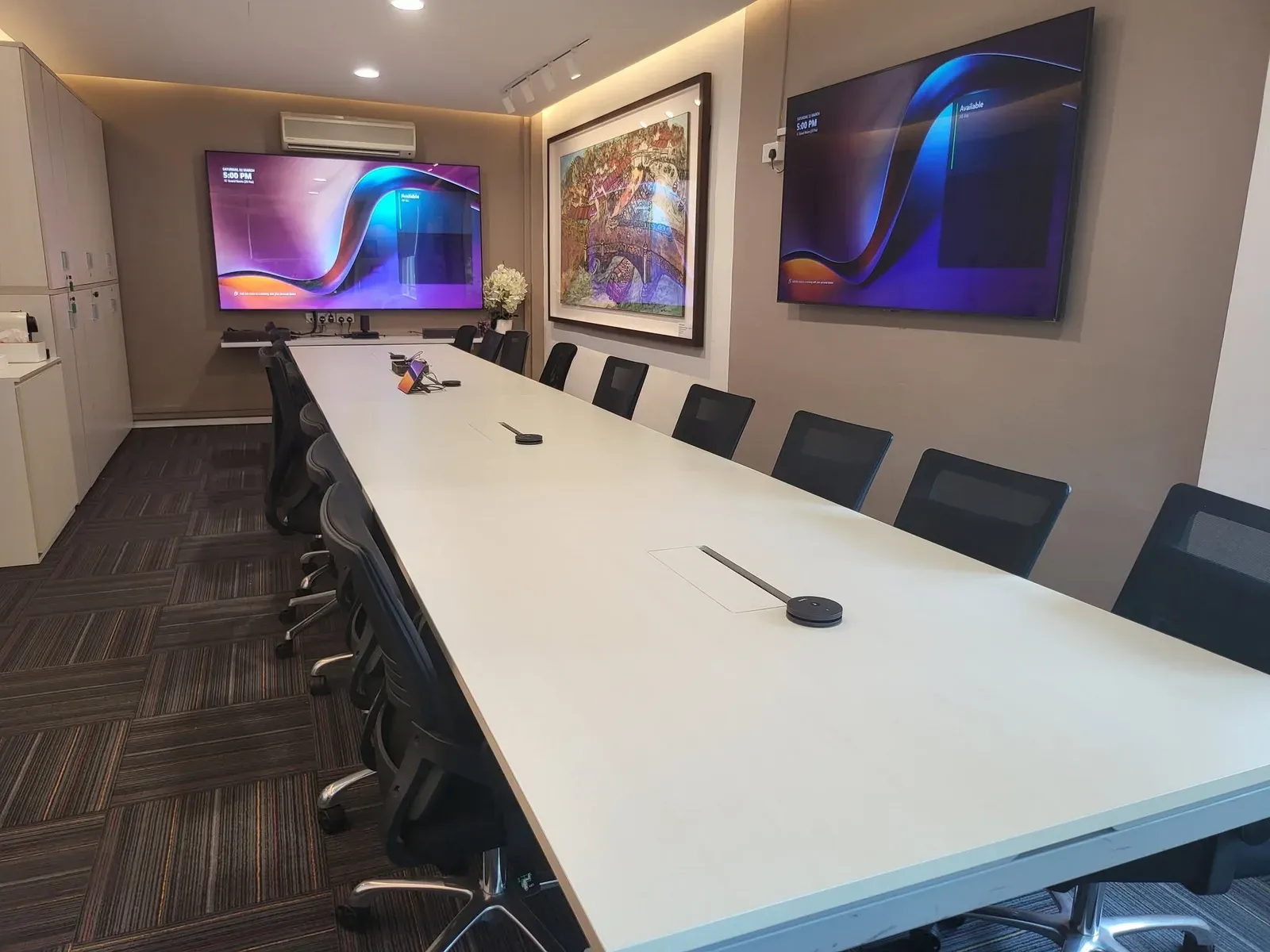
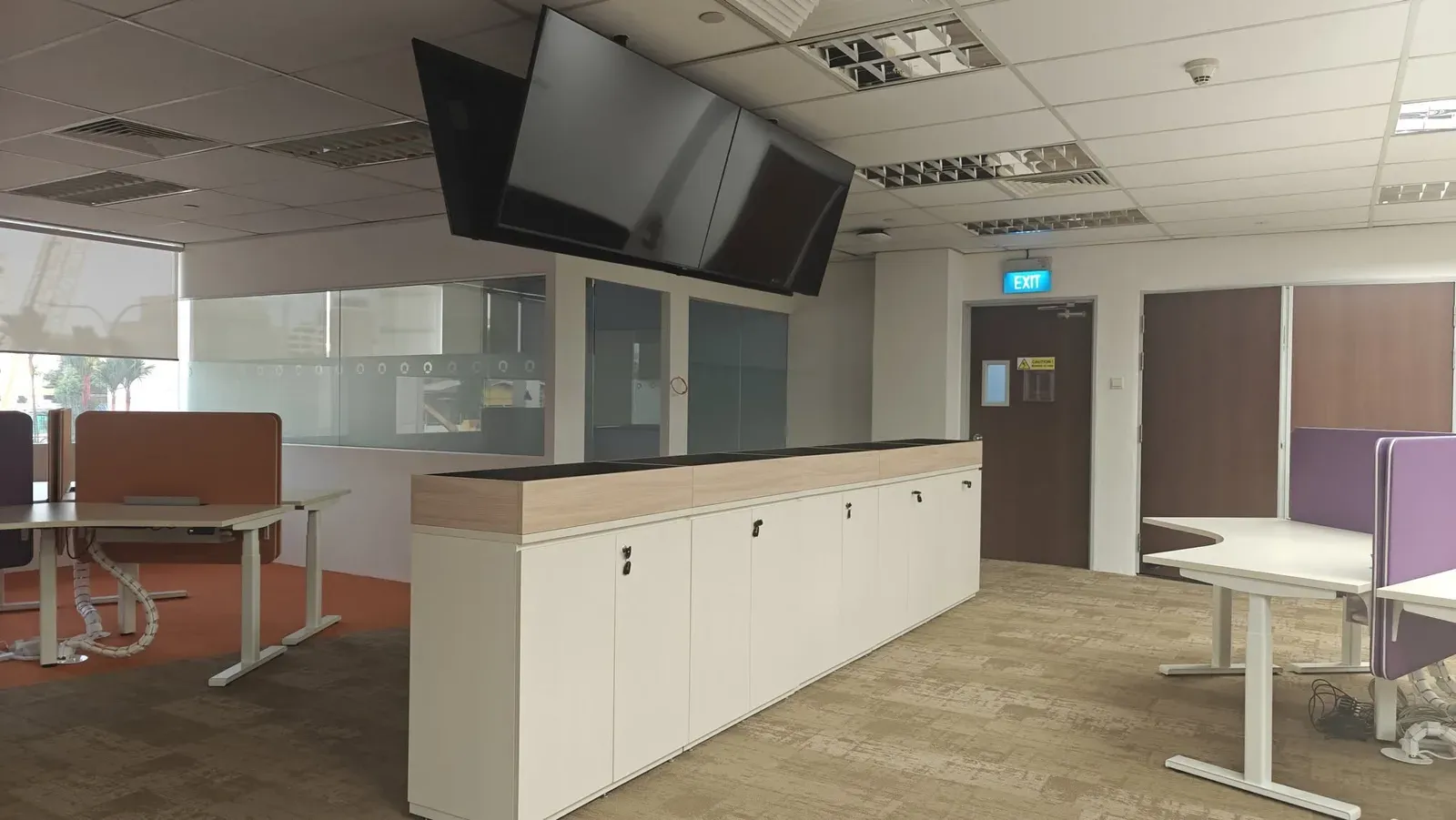
A leading global food and agri-business, headquartered and listed in Singapore, moved into a new office and wanted every space delivered as one turnkey project. The brief: equipment that is clean, easy to deploy, easy to use and easy to maintain, with room to expand after three to five years. We designed and installed eleven kinds of space, from the townhall to the pantry. Meeting rooms run Microsoft Teams Rooms on Yealink, sized from the A10 in managers’ rooms to the MVC S90 in the training room, with Shure and Sennheiser microphones, Biamp and Shure processing, Extron control and Samsung displays throughout.
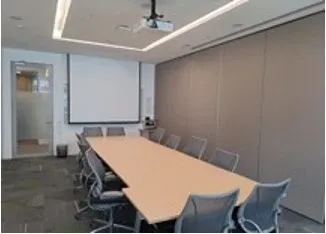
Japanese multinational chemical company
New Singapore office, designed and deployed
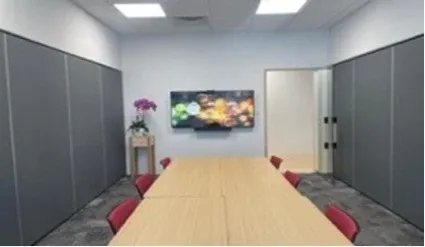
Japan’s largest travel agency, a leading travel management company in Asia
New Singapore office, designed and deployed
Subsidiary of a major Hong Kong food and beverage group
New Singapore office, designed and deployed
After Handover
Firmware moves, apps update and certifications change, and a board nobody looks after drifts out of the state it was handed over in. Someone has to own that, in writing.
We keep boards on current firmware and apps, so each one stays certified for its platform and supported by its manufacturer.
A fault we cannot close ourselves goes straight to the manufacturer through our reseller agreements. You deal with one team, not six.
Phone, email or video call, Monday to Friday, 9am to 6pm. We respond within four hours and are on site by the next business day. Evening, weekend and public-holiday cover is available on contract.
Every install ends with a walk-through for the people who will use the board: sharing, whiteboarding, saving notes and joining a call. A board nobody was shown is just a screen.
Questions
What buyers ask us before choosing a board, answered plainly.
Still have a question?Ask our team
Contact
Tell us what you need and we will come back to you within one business day.
Every enquiry goes straight to our sales team at sales@visioncast.com.sg.
With the questions we need answered, or a time to talk it through.
We measure the room and check what the board needs to connect to.
Prefer to reach us directly?